Google Play Store PC
Gives you access to any type of Apk Android App on your Windows PC.

Safe & Secure
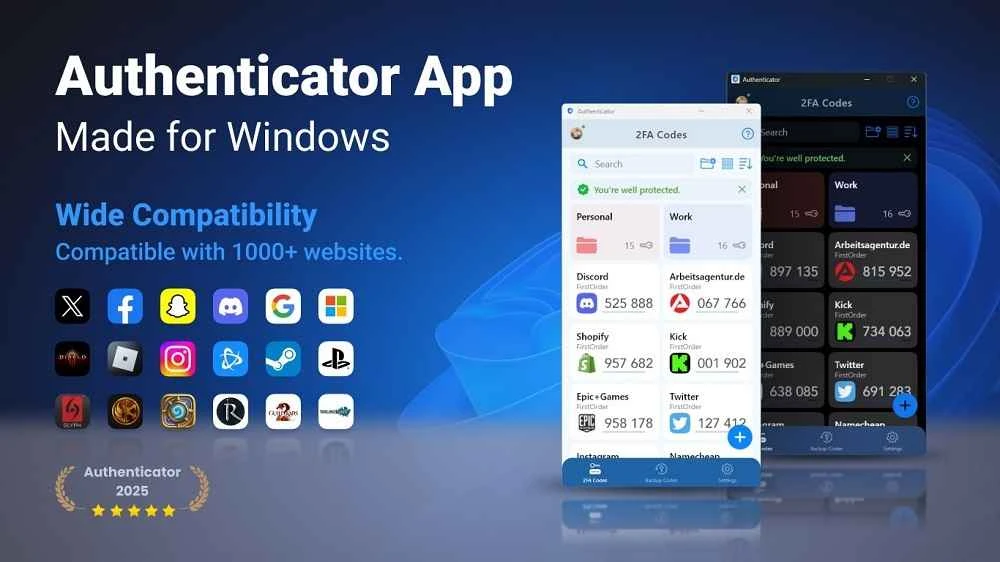
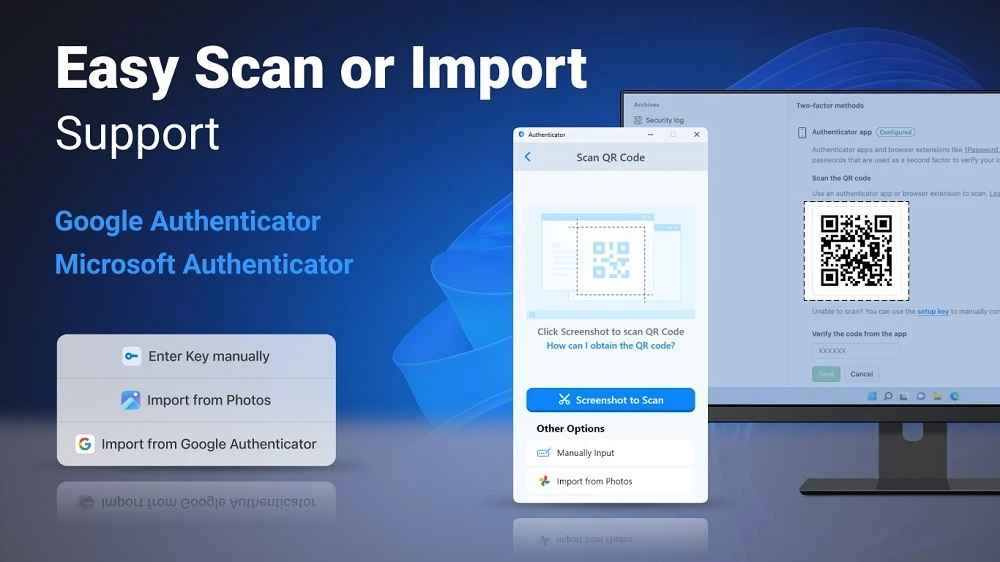
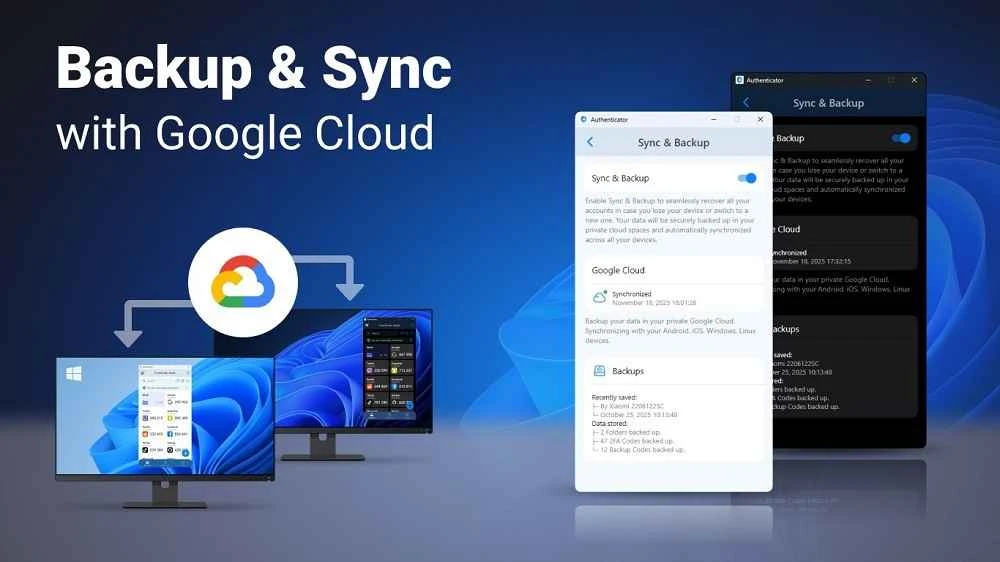
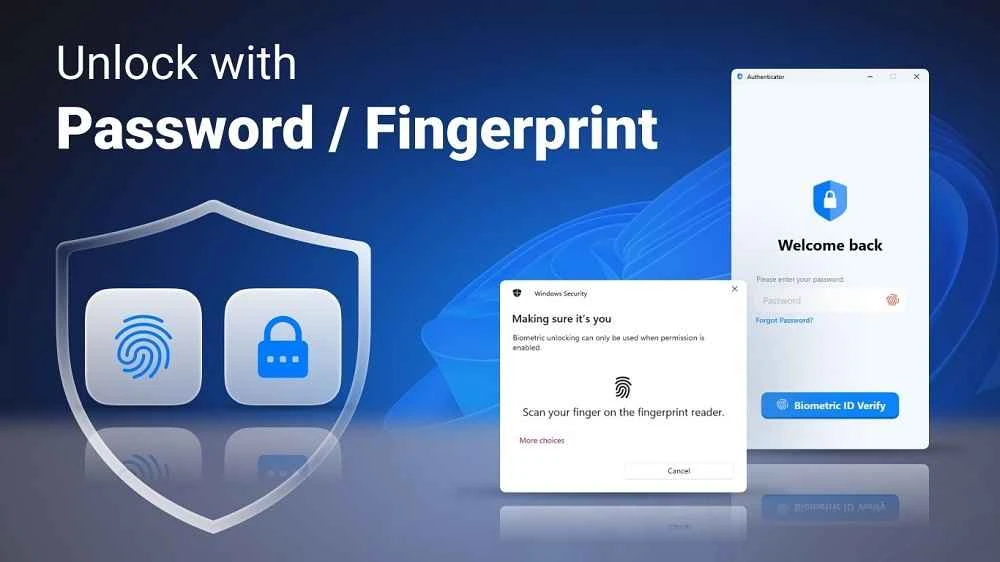
2FA Authenticator App is a powerful app that offers strong security measures for the safety of your device, avoiding the threats of third-party intrusions. The app, developed by FirstOrder.AI and falling under the Business category, is released as freeware software. It offers a one-time code to ensure your access to online services that demand a two-factor authentication code.
The innovative app proves to be the best solution for reducing the chances of data theft, providing an extra layer of protection for your online accounts. It is simple to use, as you can create security code easily, simply enter your email address and password, and you are prompted to another window with demand of entering a 2FA code, using the method you want.
You can create multiple accounts for different platforms, offering various biometric authentication methods, including fingerprint, Face ID, and so on. It also offers a simple and secure backup feature through an encrypted file, which is possible to restore on any device, anytime, without entering your personal registration. It is fully compatible with any service to offer security for your account with 2FA one-time password codes. You can also generate codes and access your accounts even when you are offline. Seamless customization options such as themes, and other settings are available for your ease to customize settings as according to your preferences.
The app helps to make your security stronger, offering a ‘master password’ to ensure your access to secure sites or portals where you need to enter a two-factor authentication key. In fact, the key is used to combine two different components that the client already possesses. As compare to traditional one-off password, the app proves the best option safer, because it reduces the chance of third-party decryption, offering support for AES-CBC algorithm.
Simplicity is the main element, so you will find quick account setup, as the app offers clear instructions for the purpose. The user-friendly interface with easy navigation helps to manage the accounts efficiently. It is one of the best choices for individuals to find robust security for their online accounts, offering awesome features, seamless compatibility across multiple devices, and enhanced privacy.
Pros
Cons

Gives you access to any type of Apk Android App on your Windows PC.

PC App Store download, install, and keeps up-to-date your PC programs

free emulator to play Android apps on your pc with extra performance, reliability

Bijoy Bayanno the most powerful software to write Bengali language on PC

Media Creation Tool is upgrading and installing Windows 10 bootable installed disks.
Rufus easily change your USB Flash to a bootable ISO flash drives.